
Take over the action button on a rooted Echo Dot (2nd Generation) and present the Dot to Home Assistant as an ESPHome device, while stock Alexa keeps running.
- Home Assistant adopts it with its own ESPHome integration: no custom component, no MQTT, no Home Assistant credential on the Dot.
- The Dot reports presses and holds of its buttons, reports what it can read about itself, and chimes on every press it takes.
- It also joins Music Assistant as a Sendspin player, through its own speaker or a paired Bluetooth speaker.
- This runs on a Dot you own and have already rooted. Nobody supports it, and a FireOS update can break any of it.
- Alexa commands risk the account, not the Dot. They reach an undocumented Alexa app endpoint with the credential the Dot was registered with, which carries the whole Amazon account and may sit outside Amazon's terms. Every registered Dot offers them; read Alexa commands before you use one.
- Sendspin plays only for a paired server. Pair Music Assistant with the token the installer prints; until then it connects and plays nothing. Any server that holds the token can pair, so treat it as a password; see SECURITY.md.
- Sendspin over Bluetooth needs a strong Wi-Fi link. The Dot's Wi-Fi and Bluetooth share one radio, and a weak link starves the stream (see docs/pitfalls.md). A stream settles in sync about 2 seconds after it starts. A speaker connecting or disconnecting mid-stream costs up to about 1 second of audio.
- Taking the action button takes it from Alexa. While the daemon holds it, the
button does not stop timers or alarms, talk, or enter setup mode. The
Action button modeselect gives it back without stopping anything else. - Alexa still gets the mute key by default. The volume keys are untouched, except while the Dot is muted (see Muting).
The other projects on this hardware replace Alexa. This one adds to her. It takes only the action button, and the button goes back to her if the daemon dies.
- EchoMuse: replaces the Alexa firmware with a local voice assistant and media player for Home Assistant. Its docs cover the amonet-biscuit unlock, the practical route to root.
- echolocal: the same Dot, also Go and the ESPHome API, with local wake word, LED ring, media player and a Bluetooth proxy.
- EchoGo: a Go SDK for the LEDs, microphone, speaker and buttons, for writing the device software yourself.
Use one of those for a local voice satellite without Amazon. Use this one to keep Alexa and add a Home Assistant button and some entities.
- An Echo Dot (2nd Generation), model RS03QR (printed on the underside), codename biscuit, on Fire OS 6 8349 with firebreak's root adb. Everything here was measured on that model.
- An Echo (2nd Generation), codename radar, on the same build, runs it as biscuit does.
- An Echo Dot (3rd Generation), codename donut, on the same build, runs it too.
- overdub runs on Fire OS 6 only. A release before the move runs on Fire OS 5
with Magisk 17.3.
install.pymoves a Dot on Fire OS 5.5.5.4 to Fire OS 6 over USB with firebreak, and keeps its setup and keys. That needs uv. adb, from Android platform-tools, and Python 3.9 or later on a macOS, Linux or Windows machine. A release needs nothing else to install on a rooted Dot. Rooting one needs firebreak; see Rooting a Dot.- To build it yourself: Go 1.25 or later, and an Android NDK
(
brew install --cask android-ndkon macOS, or developer.android.com/ndk). SetANDROID_NDK_HOMEto it. - Home Assistant on the same subnet as the Dot.
overdub needs firebreak's default
unlock, fireos6: Fire OS 6 8349 with an adbd that runs as root.
firebreak's README has the install
commands for macOS, Linux and Windows. With the Dot on USB:
uvx firebreak@latest unlock      # rooted Fire OS 6 8349
deploy/install.py kitchen
Both directions, filmed from start to finish, the Dot beside the terminal. The
films show the earlier scripts, dot_root.py and dot_restore_stock.py, which
firebreak replaces:
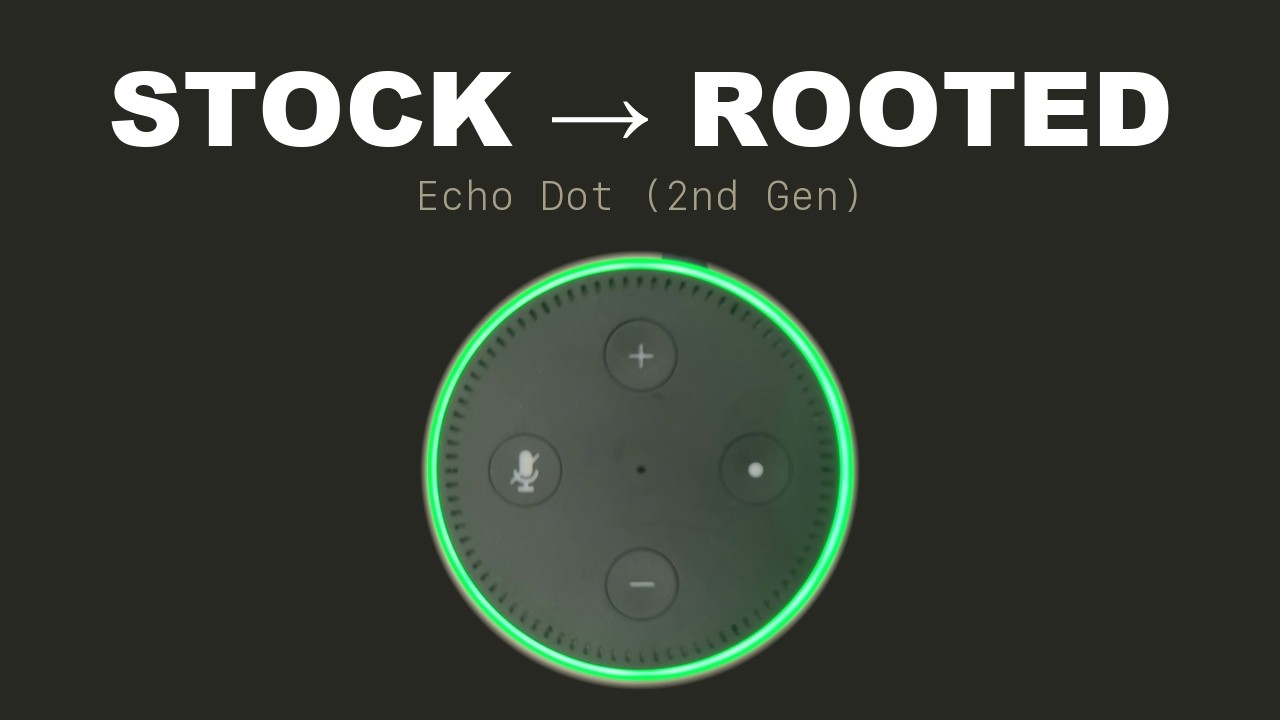
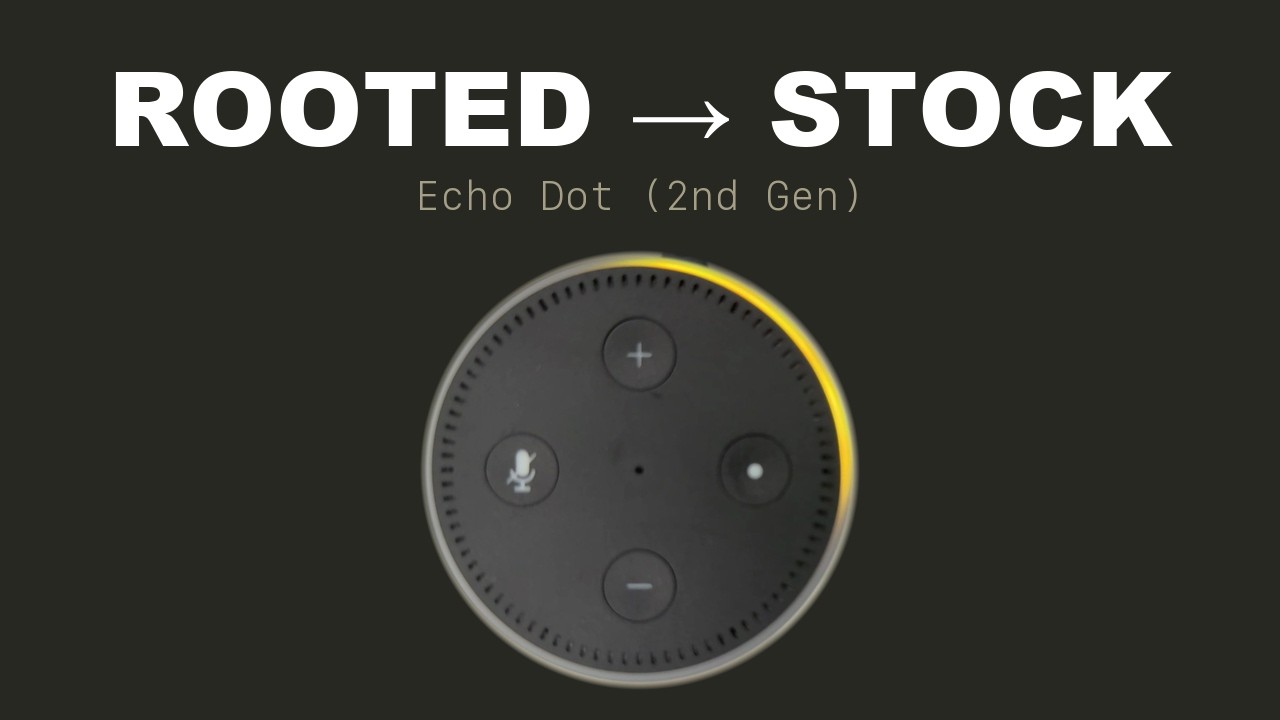
- The rooted Dot finishes in setup mode, with an orange ring and no Wi-Fi. Home Assistant reaches it only over Wi-Fi, so add it in the Alexa app. That is safe once rooted: firebreak hides the updater and blocks the update hosts.
- The first install writes
/system/etc/init/overdub.rc, which init reads only at boot, so it ends asking for one reboot. deploy/dot_firmware.pywas the rooting script. It now prints the firebreak command for its arguments, and runs it.
Moved to macOS in firebreak's README.
Moved to Linux in firebreak's README.
Moved to Windows in firebreak's README.
Each release carries a
-fireos6 tarball with the scripts and the binary, already built. The other
tarball, with no -fireos6, is a stand-in for Fire OS 5 Dots and holds no
binary. To install:
tar xf overdub-v1.0.0-fireos6.tar.gz
overdub-v1.0.0/deploy/install.py kitchen
On Windows, in PowerShell:
tar xf overdub-v1.0.0-fireos6.tar.gz
py -3 overdub-v1.0.0\deploy\install.py kitchen
The installer prints one line a step and the encryption key for Home Assistant. docs/usage.md shows its output, how to verify a release, and how to build and install from source.
- The Dot announces itself over mDNS. It appears under
Settings -> Devices & Services, named after
-name. Adding it asks only for the encryption key the installer printed. - If it does not appear, use Add integration -> ESPHome with the Dot's
address and port
6053.adb shell ip -4 addr show wlan0gives the address. Discovery does not cross subnets. - Set a DHCP reservation. Home Assistant re-finds a moved device by name only while discovery reaches it.
- The Dot is the server; Home Assistant dials in to tcp/6053. The daemon opens that port on the Dot's firewall.
The key is the whole of the access control. ESPHome has no peer allowlist, so anything that can route to the Dot may connect. A peer without the key learns the device name and holds 1 of 8 slots for 10 seconds; 8 of them keep Home Assistant off the Dot for as long as they like. The firewall rule matches the interface, not a source range, so a VPN client on another subnet is inside it. SECURITY.md has the measurement.
docs/usage.md lists every entity and covers the button modes, playing audio, Alexa commands, network adb, uninstalling and troubleshooting.
docs/ records what was measured on the hardware and what each decision
defends against.
- Using overdub: installing, the entities, uninstalling, troubleshooting
- Hardware: the input nodes, and testing against a live Dot
- Hard constraints: what cannot change, and why
- The button: the grab, the clone, the modes, the gestures
- The Home Assistant API: the entities, the polls, the encryption
- Finding the Dot: the mDNS responder and its adverts
- Network adb, and the microphone: what Home Assistant can switch on the Dot itself
- Audio: making a sound here, and the chime
- Alexa commands: the credential, the text command
- Music Assistant: the Sendspin client, its handshake, its clock
- Things that fail silently: failures that report success
- Deployment: installing and removing it
- Rooting: firebreak's record of each step, in its own repository
- BSD 2-Clause; LICENSE.txt carries the terms.
- The chime is original to this repository and covered by the same licence.
internal/audio/chime.gorenders it at startup from 2 sine tones, 880 Hz then 1320 Hz. - This repository contains no Amazon code. The Amazon names it carries identify things already on the device, so this software can interoperate with them.
- overdub is not affiliated with, endorsed by, or supported by Amazon.